
7 Landing Page Mistakes Killing Your Paid Traffic
You're paying for clicks that never convert. These common landing page errors are the reason—and they're all fixable in under a week.
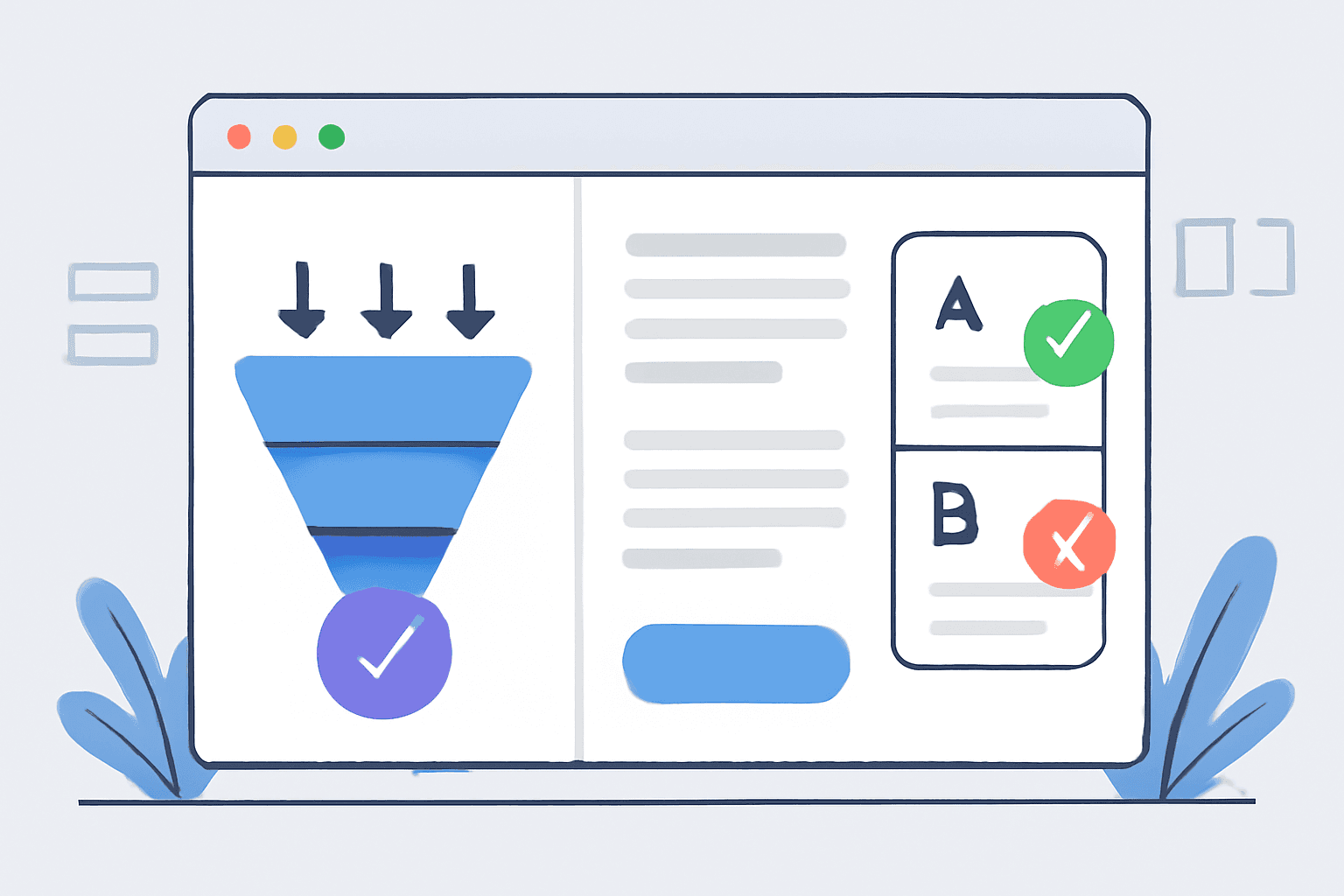
The Expensive Truth About Paid Traffic
Here's a number that should make you uncomfortable: the average landing page converts at 2.35%. That means 97.65% of your paid clicks leave without taking action.
At $3 per click, a 2% conversion rate means you're paying $150 per conversion. At 5%, you're paying $60. At 10%, you're paying $30.
The difference between a mediocre landing page and an optimized one isn't subtle. It's often 2-5x in conversion rate—which means 2-5x in CPA, in revenue, in profit.
And yet, most advertisers obsess over ad creative and targeting while their landing pages quietly hemorrhage conversions.
Here are the 7 biggest landing page killers we see—and exactly how to fix each one.
Mistake #1: Slow Load Times
The problem:
Every second of load time costs you conversions. Studies consistently show:
- 1-3 seconds: 32% increase in bounce probability
- 1-5 seconds: 90% increase in bounce probability
- 1-6 seconds: 106% increase in bounce probability
If your landing page takes 5 seconds to load, you're losing half your traffic before they even see your offer.
Common causes:
- Uncompressed images (huge files, no WebP format)
- Too many tracking scripts
- Non-optimized video embeds
- Poor hosting infrastructure
- No CDN for global visitors
- Render-blocking JavaScript
The fix:
- Test your speed: Use Google PageSpeed Insights and aim for >90 on mobile
- Compress images: Use TinyPNG or convert to WebP. No image should be over 200KB
- Audit your scripts: Every tracking pixel adds latency. Do you need all of them?
- Lazy load below-fold content: Don't load what users can't see yet
- Use a CDN: Cloudflare is free and dramatically improves load times for distant users
- Consider your hosting: Cheap shared hosting can add 500ms-2s of latency
Target: Under 3 seconds load time on mobile. Under 2 seconds is ideal.
Mistake #2: No Message Match
The problem:
Your ad says "50% Off Winter Jackets." Your landing page headline says "Welcome to Fashion Forward."
This disconnect creates cognitive friction. Users clicked for jackets, not a brand introduction. They feel like they're in the wrong place, and they leave.
Message match failures:
- Ad headline doesn't match landing page headline
- Offer in ad isn't prominent on landing page
- Visual style is dramatically different
- Ad speaks to specific problem, landing page is generic
The fix:
- Mirror your ad headline in your landing page headline - If the ad says "Cut Your Energy Bill 40%," the landing page should lead with that exact claim
- Keep visual consistency - Same colors, similar imagery, matching tone
- Make the offer immediately visible - If you promised 50% off, that should be above the fold, not buried
- Create dedicated landing pages - Each major ad angle should have a matching landing page
Pro tip: For high-spend campaigns, create dynamic landing pages that pull in ad headline text automatically.
Mistake #3: Form Friction
The problem:
Every form field is a hurdle. Every hurdle loses conversions.
We consistently see that:
- Adding a phone number field drops conversions 5-15%
- Adding more than 3 fields drops conversions 20-30%
- Required fields that seem unnecessary create abandonment
Common friction points:
- Too many required fields
- No clear privacy assurance
- Poor mobile form experience (tiny fields, auto-zoom issues)
- No visual progress indicators for multi-step forms
- Unclear error messages
The fix:
- Ask only what you truly need - Do you really need their company size right now? Or can sales ask that later?
- Use progressive profiling - Get email first, then ask additional questions after
- Make phone number optional - Unless you're a call-focused business, don't require it
- Add trust signals near the form - "We'll never share your email" or security badges
- Test mobile thoroughly - Forms should be easy to complete on a phone with one hand
The formula:
Every field you remove increases conversion rate by 3-5% on average. A 10-field form converting at 3% might convert at 6%+ with 4 fields.
Mistake #4: Weak or Missing Social Proof
The problem:
People look to others when making decisions. If they don't see evidence that others have bought and been satisfied, they hesitate.
What's missing on most landing pages:
- No testimonials or reviews
- Generic testimonials without specifics
- No company logos or "as seen in" badges
- No numbers (customers served, reviews, years in business)
- No before/after evidence
The fix:
- Add specific testimonials - "John D, Marketing Director" converts better than "John D." "Increased our leads 47%" converts better than "Great service!"
- Include photos - Real customer photos (with permission) dramatically increase believability
- Show numbers - "Join 10,000+ customers" or "4.8 stars from 2,000+ reviews"
- Display logos - If recognizable brands use your product, show them
- Position strategically - Place social proof near your CTA, where hesitation happens
The psychology:
Social proof reduces perceived risk. The more evidence that others have succeeded, the less risky your offer feels.
Mistake #5: Competing CTAs
The problem:
Your landing page has a "Buy Now" button, a "Learn More" link, navigation to other pages, a newsletter signup, and a chat widget. Users don't know what to do, so they do nothing.
Signs of CTA confusion:
- Multiple buttons above the fold
- Navigation menu distracting from main action
- Secondary offers competing with primary offer
- "Learn more" links that take people away from conversion
The fix:
- One goal per page - Every landing page should have ONE primary action
- Remove navigation - For dedicated landing pages, don't give people exits
- Limit buttons above the fold - One CTA button maximum
- Make secondary actions clearly subordinate - Much smaller, less prominent, ideally below the fold
- Repeat the CTA - But always the same CTA. Don't introduce new actions.
The rule:
Every element on your landing page should either support the primary CTA or be removed.
Mistake #6: Poor Mobile Experience
The problem:
60%+ of paid traffic is mobile. If your landing page was designed for desktop and "adapted" for mobile, you're leaving money on the table.
Mobile issues we see constantly:
- Text too small to read
- Buttons too small to tap (Apple recommends 44x44px minimum)
- Form fields that zoom and break layout
- Images that don't resize properly
- Sticky headers that eat up screen real estate
- Pop-ups that can't be closed on mobile
The fix:
- Design mobile-first - Start with mobile layout, then expand for desktop
- Test on actual devices - Simulators don't catch everything
- Ensure tap targets are large enough - Minimum 44px height for buttons
- Use appropriate input types - Email fields should bring up email keyboard
- Eliminate horizontal scroll - Everything should fit within viewport
- Check forms specifically - Fill out your form on a phone. Is it frustrating?
Priority check:
Look at your analytics. If mobile traffic converts at half the rate of desktop, you have a mobile experience problem—not a traffic quality problem.
Mistake #7: No Urgency or Scarcity
The problem:
"Interesting. I'll come back later." They never come back.
Without a reason to act now, people defer decisions. And deferred decisions are almost always lost conversions.
Missing urgency elements:
- No limited-time offers
- No stock or availability indicators
- No deadline for special pricing
- Nothing to make "later" feel like a risk
The fix (ethical urgency):
- Real deadlines - If your sale actually ends Friday, say so clearly
- Real scarcity - If you only have 50 spots, show remaining availability
- Price increase warnings - "Price increases to $X on [date]" is powerful and honest
- Bonus windows - "Order by midnight to receive free shipping"
- Social proof urgency - "23 people are viewing this right now"
Warning:
Fake scarcity backfires. "Only 3 left!" on a digital product or always-available service damages trust. Use real urgency or create real constraints.
The Landing Page Audit Checklist
Run through this for every landing page receiving paid traffic:
Technical Foundation
- [ ] Loads in under 3 seconds on mobile
- [ ] No horizontal scroll on any device
- [ ] All images properly compressed
- [ ] Forms work correctly on mobile
- [ ] No broken elements or layout shifts
Message Match
- [ ] Headline matches ad headline/promise
- [ ] Offer is immediately visible
- [ ] Visual style is consistent with ads
- [ ] Specific audience/problem is addressed
Conversion Elements
- [ ] One clear primary CTA
- [ ] Form has minimum necessary fields
- [ ] Social proof is visible and specific
- [ ] Trust badges/security indicators present
- [ ] Urgency element (if appropriate)
Mobile Experience
- [ ] Tap targets are 44px+ height
- [ ] Form fields don't cause zoom
- [ ] All content readable without pinch-zoom
- [ ] CTA visible without scrolling on common phones
The Compound Effect
Each of these mistakes might only cost you 10-20% in conversion rate. But they compound.
Slow page (loses 20%) → Message mismatch (loses 15%) → Form friction (loses 25%) → No social proof (loses 15%) → Poor mobile (loses 30%)
A page with all five issues might convert at 20% of its potential. Fix all five, and you could see 4-5x improvement in conversion rate.
That's not theory. We've seen it happen repeatedly.
The Bottom Line
Your ads are only as good as your landing pages. The best targeting and most compelling creative in the world can't overcome a landing page that fails to convert.
Before you increase ad spend, audit your landing pages. Fix the obvious issues. Test improvements. Often, landing page optimization delivers better ROI than any amount of ad optimization.
Want to know exactly what's killing conversions on your landing pages? Our landing page audit identifies specific issues, prioritizes them by impact, and provides fix recommendations—complete with expected improvement ranges based on benchmarks from similar businesses.